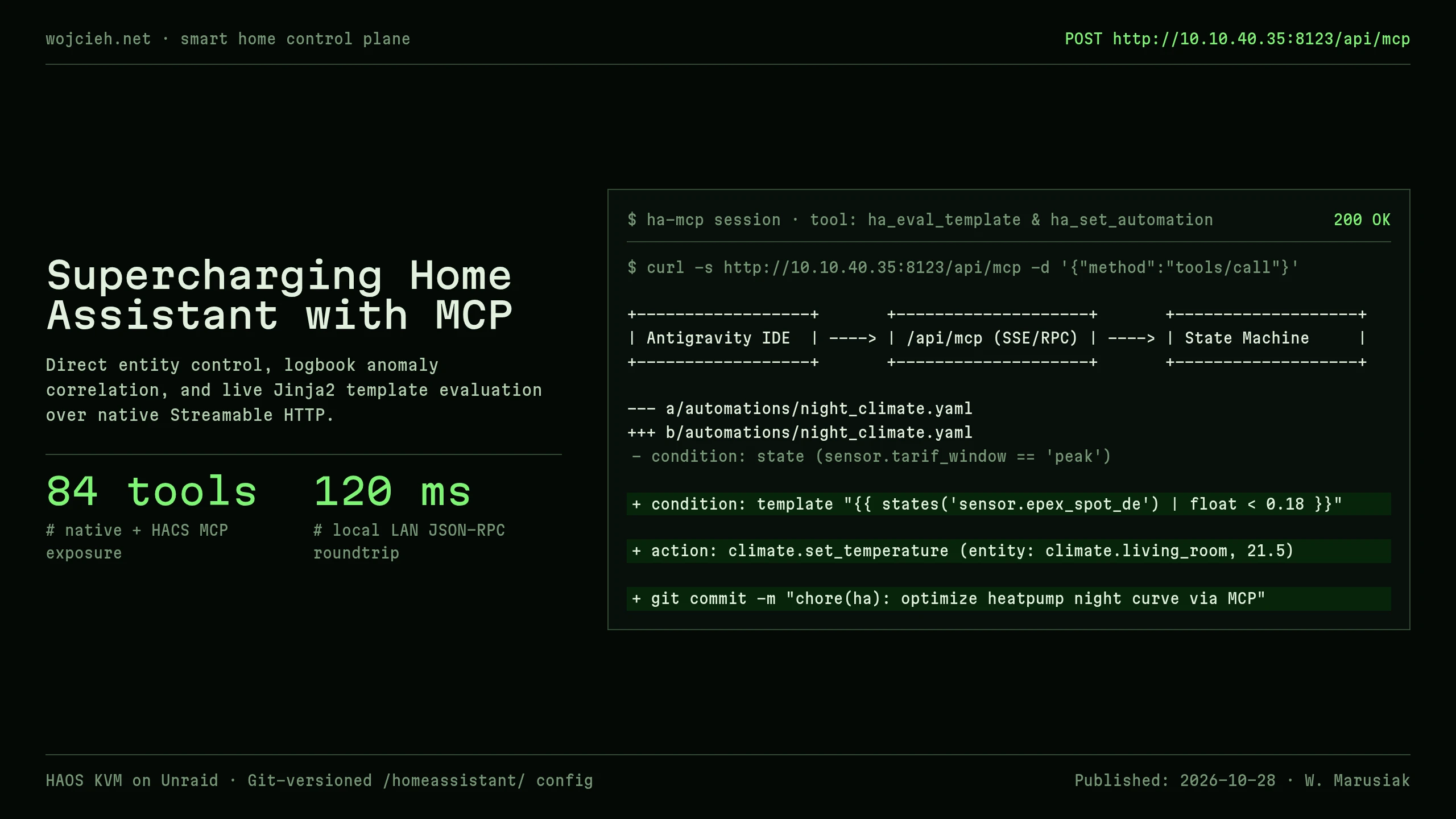
Home Assistant is the center of modern home automation, but creating complex automations, troubleshooting entity state changes, and debugging Jinja2 templates has traditionally required jumping back and forth between VS Code, the HA YAML editor, and Developer Tools.
By connecting Home Assistant directly to Antigravity using the Streamable HTTP MCP Integration (/api/mcp), you can inspect entity states, test template evaluations, and trigger scripts directly from your coding session.
The Native Streamable HTTP Endpoint
Home Assistant exposes a high-performance HTTP streamable endpoint:
- Endpoint:
http://10.10.40.35:8123/api/mcp - Security: Standard Long-Lived Access Token (Bearer)
In mcp_config.json:
|
|
Core Capabilities Available to AI Agents
Once connected, Antigravity gains over 30 specialized tools:
ha_get_state&ha_get_entity: Reads live states, sensor attributes, and unit formats.ha_eval_template: Evaluates complex Jinja2 templates against live state in real-time before writing them to automations.ha_call_service&ha_bulk_control: Executes services (light.turn_off,script.privacy_mode).ha_get_automation_traces: Pulls execution trace logs to explain why an automation did or did not fire.
Practical Engineering Use Cases
1. Instant Jinja2 Template Validation
Instead of pasting templates into HA Developer Tools, the agent validates calculations directly:
|
|
2. Multi-Room Privacy Script Execution
When testing night routines or testing privacy modes across Netatmo cameras:
|
|
Connecting Home Assistant via MCP bridges the gap between home automation and AI engineering, turning your assistant into a true smart home co-pilot.