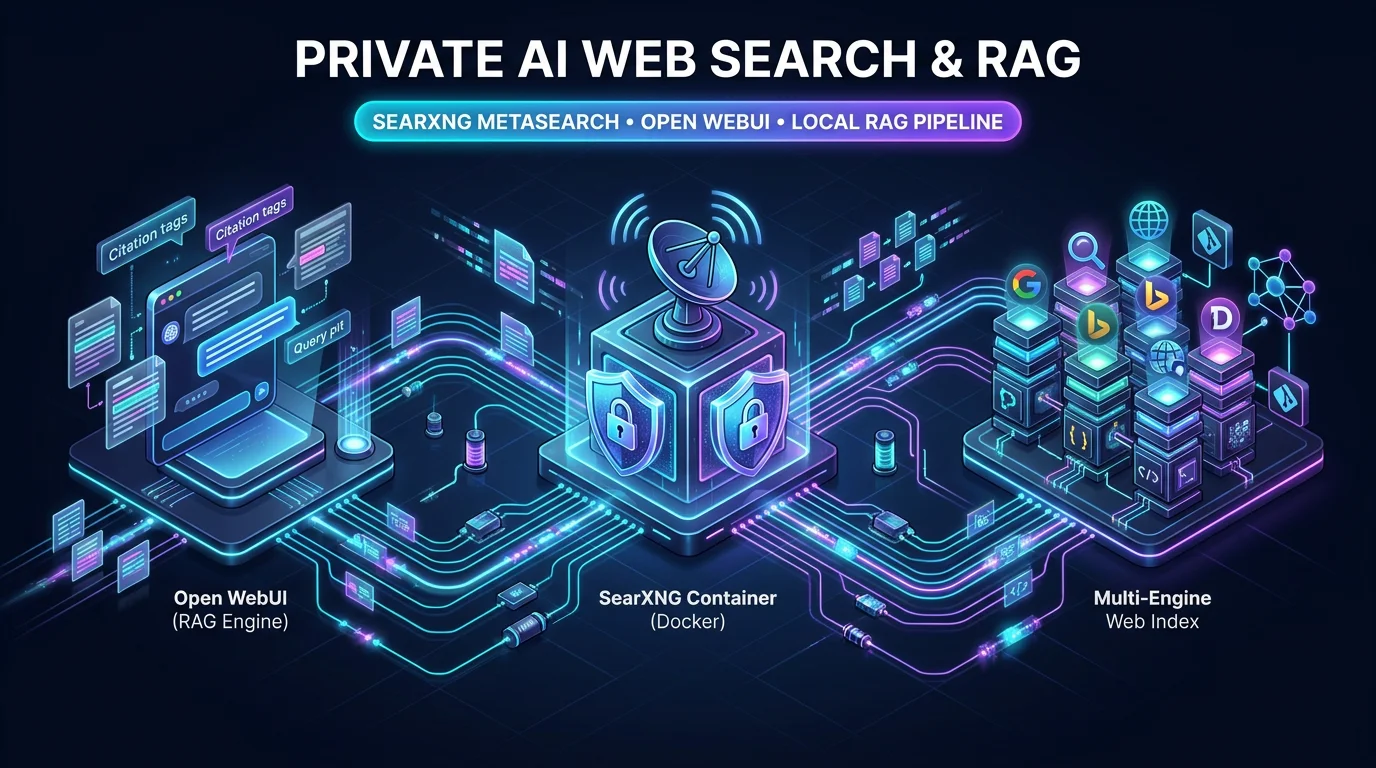
Enabling real-time web browsing in local AI chat interfaces transforms large language models from static knowledge bases into dynamic research assistants. However, relying on default search providers like DuckDuckGo frequently breaks when running in containerized homelabs or cloud datacenters.
In this guide, I explain why datacenter search gets blocked and how to deploy a private SearXNG instance to provide reliable, rate-limit-free search grounding for Open WebUI.
The Problem with Datacenter Web Search
When Open WebUI queries search engines via DuckDuckGo:
- DuckDuckGo aggressively rate-limits or outright blacklists IP ranges belonging to hosting providers, VPSs, and residential VPN endpoints (e.g., Cloudflare tunnels or VPS proxies).
- The user sees generic
RAG search error: 403 Forbiddenor empty context cards.
The Solution: Self-Hosted SearXNG Meta-Search Engine
SearXNG is a privacy-respecting, hackable metasearch engine that aggregates results from more than 70 search services (Google, Bing, Wikipedia, DuckDuckGo, Reddit, GitHub, etc.) while obfuscating client requests.
1. Docker Compose Deployment
|
|
Pro-Tip on Port Management: Avoid exposing SearXNG directly on host ports like
8080:8080without checking for port collisions (ss -tulpn | grep 8080). In our homelab architecture, we keep SearXNG inside the internal Dockerfrontendbridge network, accessible only to Open WebUI!
2. Configuring Open WebUI
In Open WebUI:
- Navigate to Admin Panel → Settings → Web Search.
- Set Search Engine to
searxng. - Set Searxng Query URL to:
1http://llm-searxng:8080/search?q=<query> - Configure RAG extraction:
- RAG Top K:
5 - RAG Template: Include current timestamp and domain source citations.
- RAG Top K:
Now, when you ask your model: “What happened in tech today?”, Open WebUI queries SearXNG across multiple search engines in parallel, extracts the raw HTML text, and feeds it directly into your model’s context window!