Deploying large language models in homelab and private cloud setups usually forces a tough tradeoff: invest thousands in dedicated, power-hungry local hardware, or settle for 4-bit/5-bit GGUF quantizations that degrade reasoning depth and break structured tool calling.
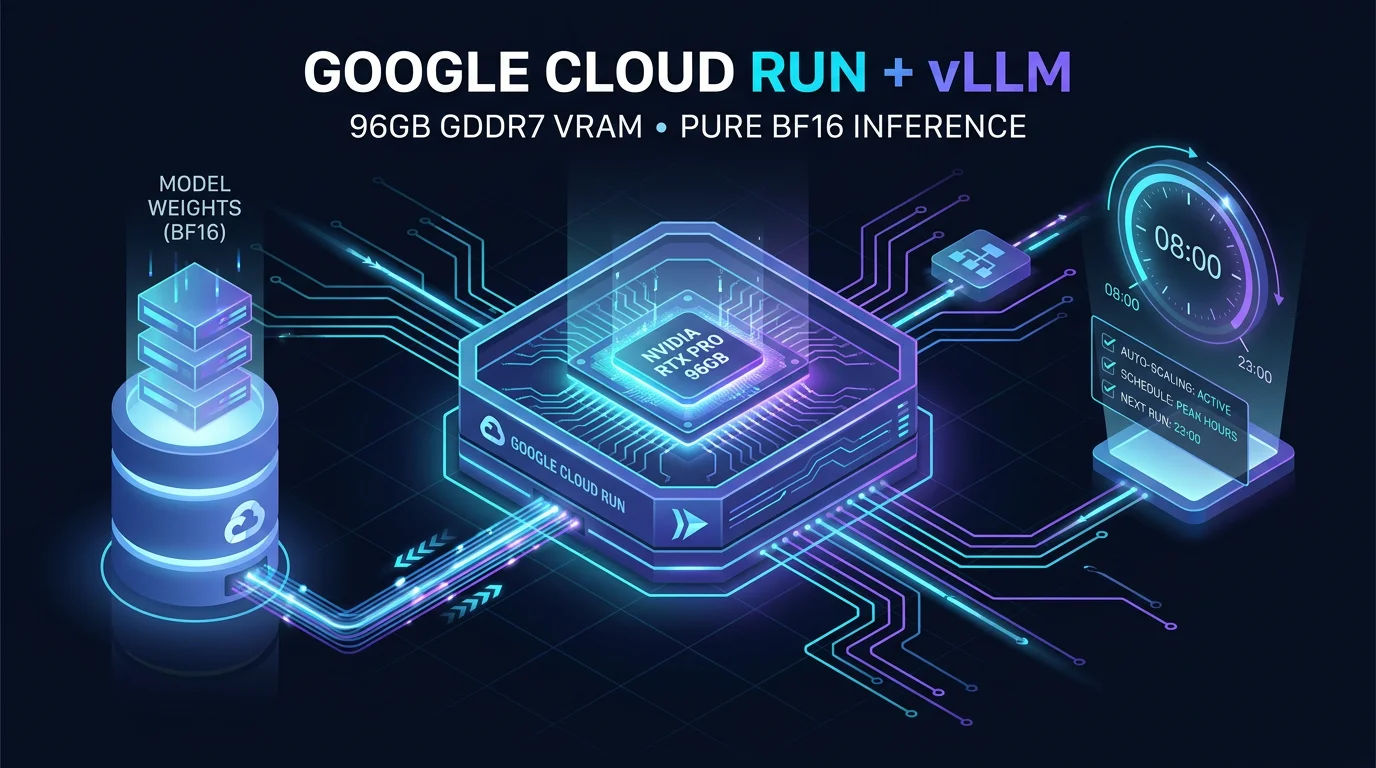
In this post, I cover a different architecture: running high-performance vLLM inference on Google Cloud Run with physical NVIDIA RTX PRO 6000 GPUs and 96 GB of GDDR7 VRAM, paired with automated Cloud Scheduler scaling to keep monthly costs in check.
Why 96GB VRAM Matters (BF16 vs. GGUF)
For years, running 27B, 35B, or 70B models locally required aggressive 4-bit or 5-bit quantizations to squeeze weights into 16GB or 24GB consumer cards (like RTX 3090/4090). While quantization is great for casual chat, it introduces concrete drawbacks in autonomous agent workflows:
- Degraded function-calling precision: 4-bit models frequently hallucinate JSON schemas or miss parameters.
- Distillation loss: Fine-tuned reasoning paths in abliterated models suffer accuracy drops under heavy compression.
- KV-cache choking: Ingesting 32K or 64K tokens for codebase analysis exhausts remaining VRAM instantly.
Configuring Cloud Run with the nvidia-rtx-pro-6000 accelerator gives direct access to 96 GB of GDDR7 VRAM.
|
|
With 96 GB VRAM:
- Raw BF16 Weights: A 27B model (like
Qwen3.8-27B-abliterated) takes ~52 GB in uncompressed 16-bit precision with zero quantization artifacts. - Massive KV-Cache: Over 40 GB remains free purely for the KV-cache, effortlessly handling 65K context windows across concurrent requests.
The vLLM Deployment on Cloud Run
We serve vLLM via Google Cloud Run with direct GCS FUSE mounting for model weights:
|
|
Why --enable-auto-tool-choice & --tool-call-parser=hermes?
These two flags are critical for our architecture because this vLLM instance serves as the primary backend for Hermes Agent (our autonomous assistant running on Cloud Run with Telegram integration).
--enable-auto-tool-choice: OpenAI-compatible client libraries and agent frameworks sendtool_choice: "auto"with every request. By default, standard vLLM rejects requests containingtool_choicewith a400 Bad Requestunless explicitly enabled.--tool-call-parser=hermes: Hermes Agent uses a specific token format for multi-tool execution. This flag tells vLLM’s internal parser to extract structured function arguments directly from model outputs into standard OpenAI tool calls without requiring external regex wrappers.
Cost Control: Automated Scheduling (08:00 – 23:00)
Running a dedicated high-end GPU 24/7 costs around $944/month. For homelab development and personal workflows, paying for compute while you sleep is unnecessary.
We solve this with two Cloud Run Jobs triggered by Google Cloud Scheduler to scale --min-instances automatically:
1. The Scaling Jobs
|
|
2. Cloud Scheduler Cron Setup
|
|
The Architecture Benefit for Hermes Agent:
- Cost Optimization in Hermes: Rather than paying for dedicated GPU infrastructure 24/7, Hermes Agent is configured with multi-engine intelligence. It routes daytime engineering tasks (08:00–23:00) to our dedicated vLLM instance running unquantized BF16 weights on the RTX PRO 6000, cutting GPU spend from $944/month down to ~$550/month.
- Automated Nighttime Failover: During the night window (23:00–08:00) when the GPU scales to zero, Hermes Agent automatically fails over to Google Vertex AI using
gemini-3.7-flash. This guarantees 24/7 agent availability on Telegram for quick queries and alert notifications without keeping an idle GPU running.
In the next post, we will dive deep into deploying Hermes Agent on Cloud Run with Telegram integration and persistent GCS state storage.