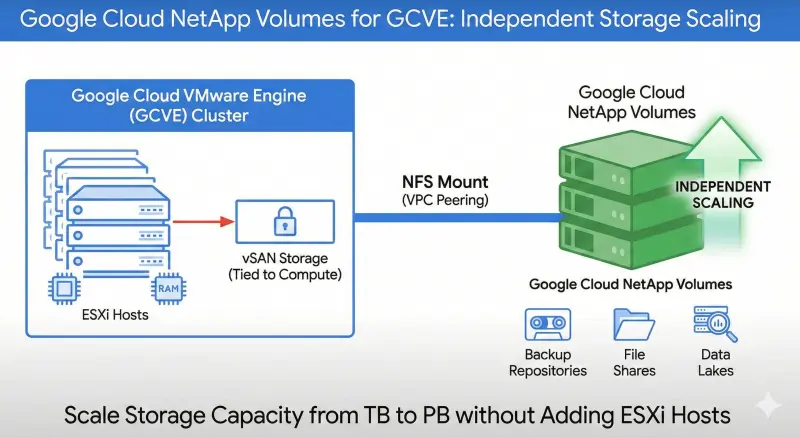
One of the historical pain points of hyper-converged infrastructure (HCI) like vSAN is that if you need more storage, you often have to buy more compute nodes. Not anymore.
GCVE now supports External NFS Datastores using Google Cloud NetApp Volumes or Filestore. This allows you to scale storage capacity from Terabytes to Petabytes without adding a single extra ESXi host.
How to configure it
- Provision: Create a NetApp Volume in the same region as your Private Cloud.
- Network: Ensure your Private Connection is configured (VPC Peering).
- Mount: In the GCVE portal, go to Storage > External Datastores and mount the volume. It appears in vCenter just like any other NFS store.
Use Cases
- Backup Repositories: Cheap, deep storage.
- File Shares: ISO libraries or content libraries.
- Data Lakes: Massive datasets that don’t require the ultra-low latency of local NVMe vSAN.
Summary
This feature saves money. Period. Stop buying expensive compute nodes just to store backups!